
01
Enable MCP
Turn on the MCP service from Verge settings. It starts only when you choose to make your browser available.
MCP native · iOS first
Verge brings a real iOS browser to AI workflows. Connect a compatible MCP client to your iPhone, then automate the web with a local, authenticated endpoint.
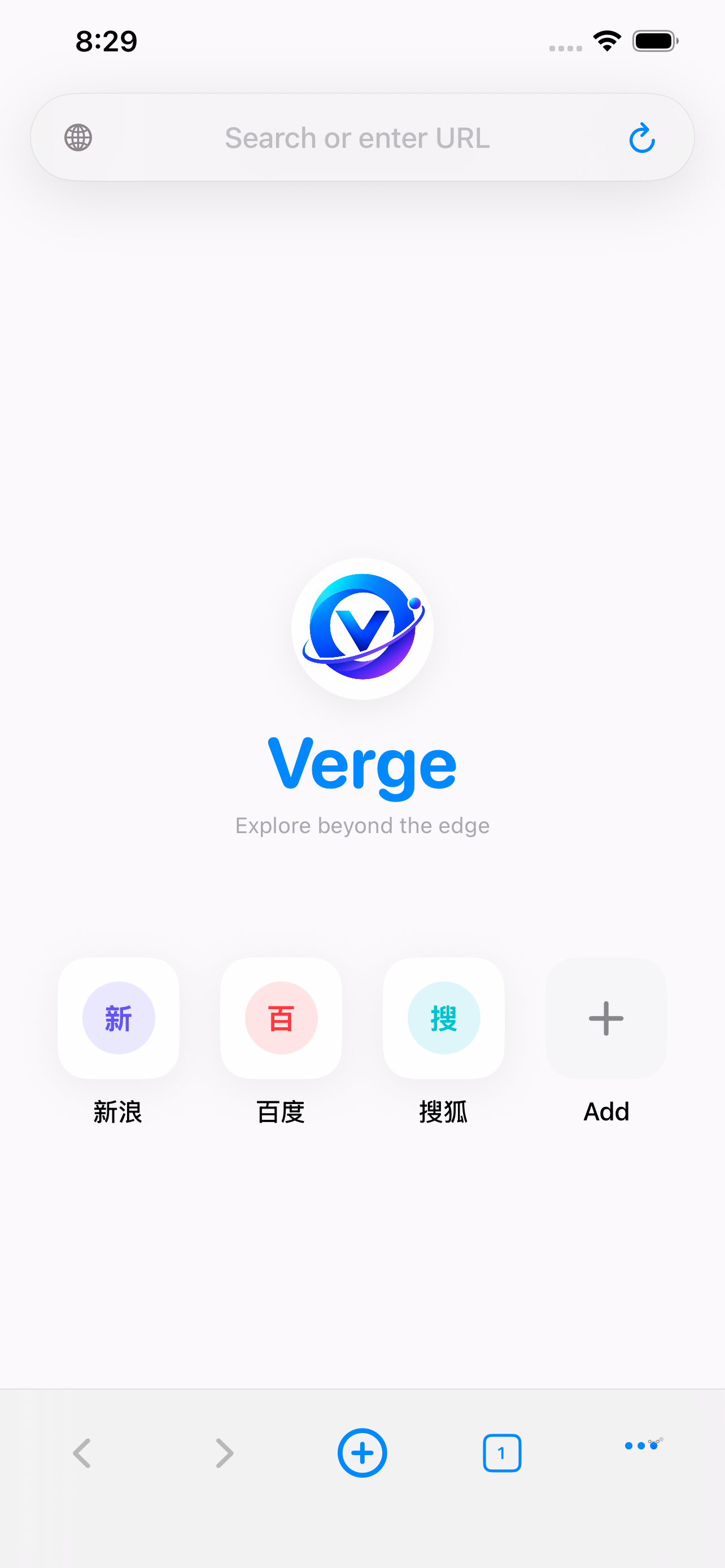
Native WebKit rendering. Agent tabs stay isolated unless you explicitly share your regular profile.
A deliberate handoff
Verge keeps the connection visible and reversible. Your client gets useful browser tools; you keep the switch, the key, and the screen.
Turn on the MCP service from Verge settings. It starts only when you choose to make your browser available.
Copy the local address and API key into your compatible AI client. The key can be regenerated any time.
Open pages, read structured snapshots, interact with forms, capture screenshots, and navigate with a natural-language workflow.
Agent tabs use an isolated browser profile by default. Sharing regular tabs is an explicit opt-in inside the app.
Browser tools, not browser theater
Structured access for research and automation, with a focused everyday browser underneath.
Open and manage dedicated tabs for AI tasks without disturbing your regular browsing.
Read visible text and interactive elements as a page snapshot your client can reason about.
Click, type, select, scroll, find content, and wait for pages to finish loading.
Capture the current page when visual context matters as much as the text.
Go back, go forward, reload, and keep the workflow moving through real page state.
Private browsing, bookmarks, history, downloads, search engine choices, and custom User-Agent support.
Inside Verge
Familiar controls make it easy to stay oriented while an AI client helps with the busywork.
Keep the loop local
Verge is built for moments when a remote agent needs a real browser, but your browsing context should still feel close, inspectable, and yours.
“Use Verge for AI-assisted web research, form interaction, and browser automation while keeping the browser on your own iPhone.”— The Verge principle
Your next workflow starts here